Works in Every Email Platform

HourScore Lite is an easy-to-implement delayed sequence — if your email tool lets you put a wait between sends, you can run it. That's every modern platform. Below is the timing pattern, plus visual examples in five popular tools so you can see how it maps to whatever you're using.

The Timing Pattern

  1. Send the first email right away — the moment someone subscribes. No delay node, or the smallest one your platform allows (1–5 minutes is fine).
  2. Send the second email 23 hours later — the 23-hour gap (instead of 24) shifts the send 1 hour earlier than their original signup time, which catches more inboxes at peak open time.
  3. Send every email after that 24 hours later — once you've shifted into their best window with the 23-hour gap, lock it in with standard 24-hour spacing for Email #3, #4, #5, and beyond.
  4. Use that same pattern in every campaign you build — onboarding, nurture, promo sequences, re-engagement. The timing applies to any multi-email send.
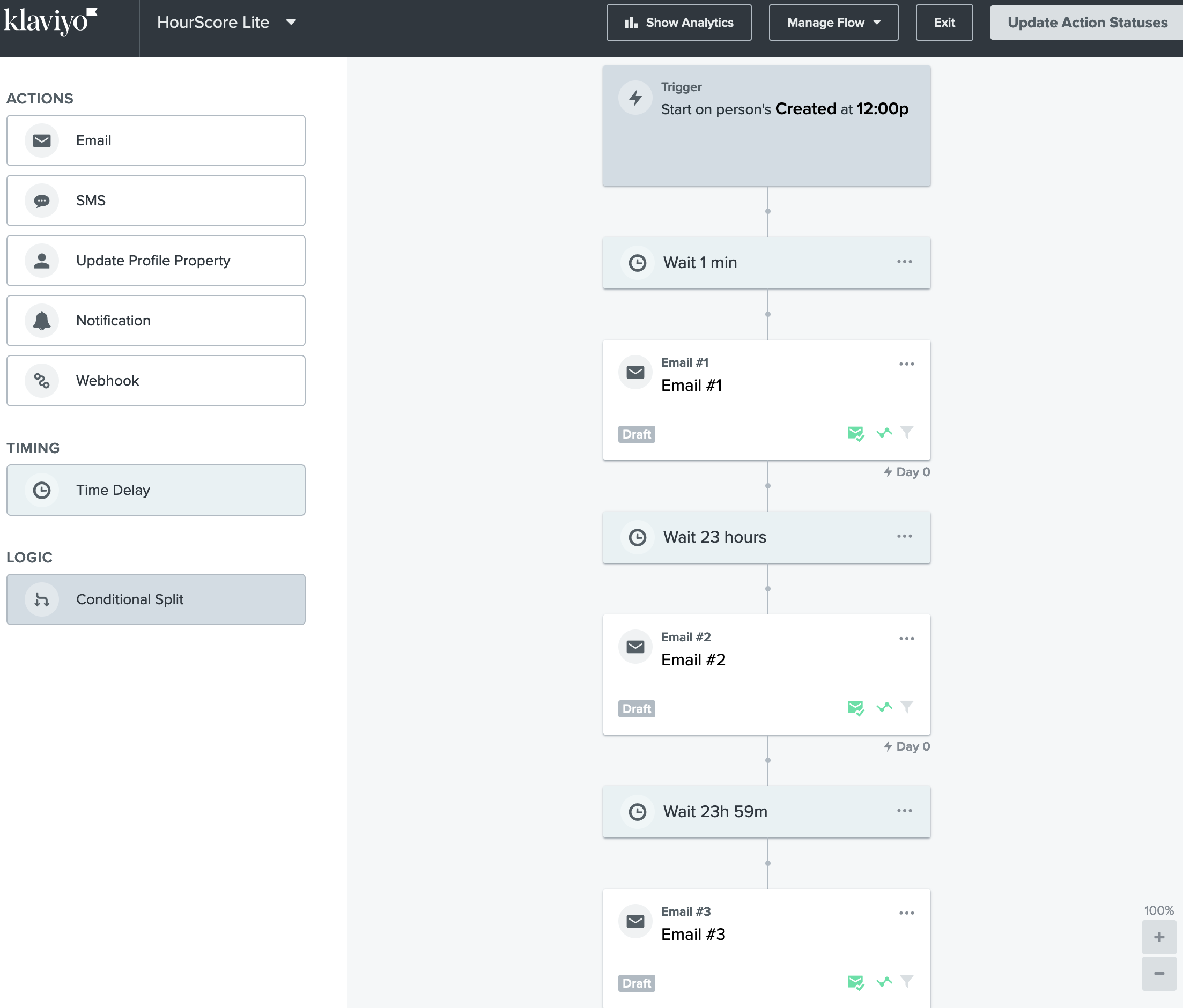
HourScore Lite flow built in Klaviyo: Trigger on Created at 12:00p, Wait 1 min, Email #1, Wait 23 hours, Email #2, Wait 23h 59m, Email #3.
Klaviyo: Flow trigger fires at noon, then 1-min delay → Email #1 → 23h → Email #2 → 23h 59m → Email #3. Click to enlarge
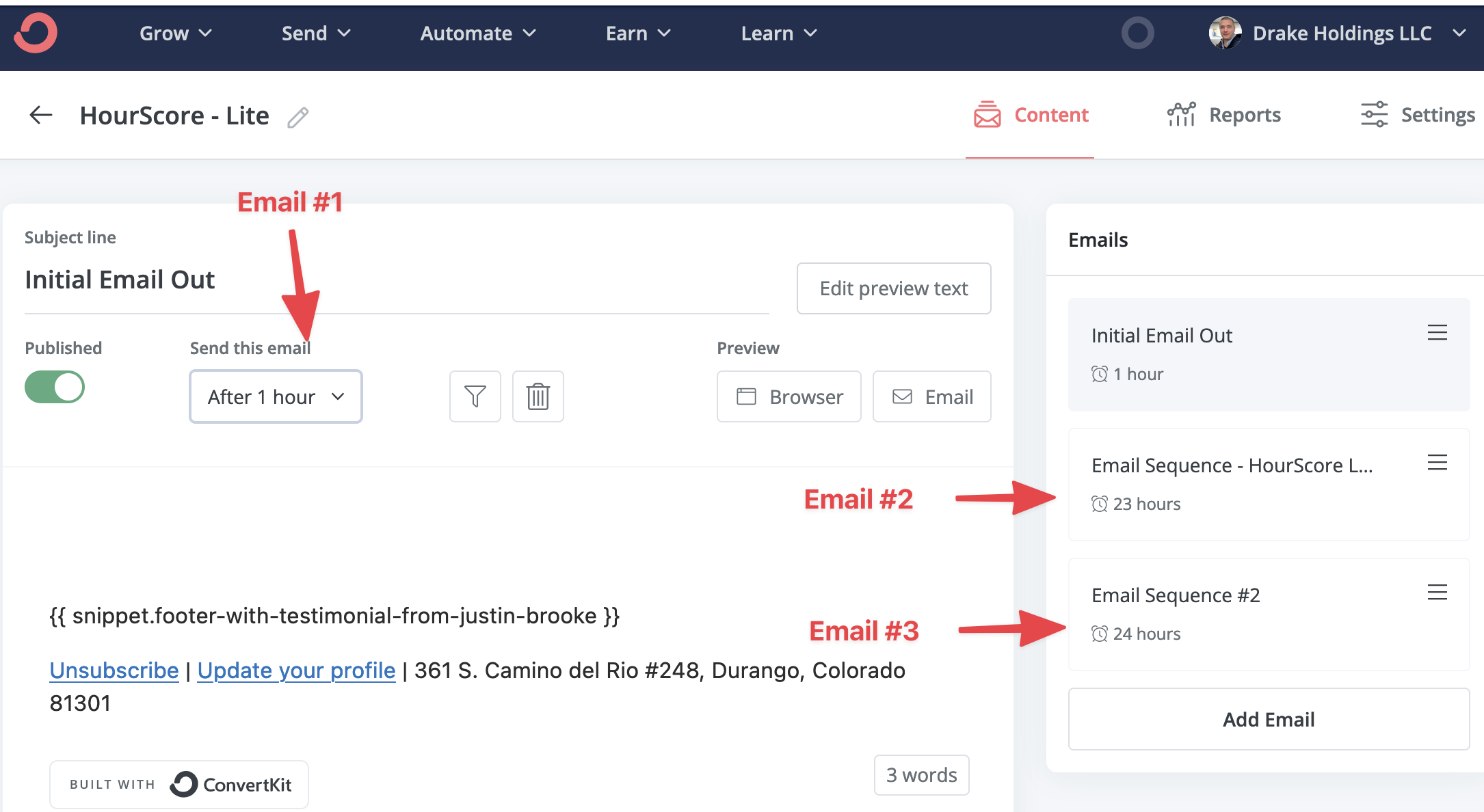
HourScore Lite sequence in Kit (ConvertKit): Initial Email Out (After 1 hour), Email Sequence (23 hours), Email Sequence #2 (24 hours).
Kit (ConvertKit): Each email's "Send this email" delay does the work — 1 hour, 23 hours, 24 hours. Click to enlarge
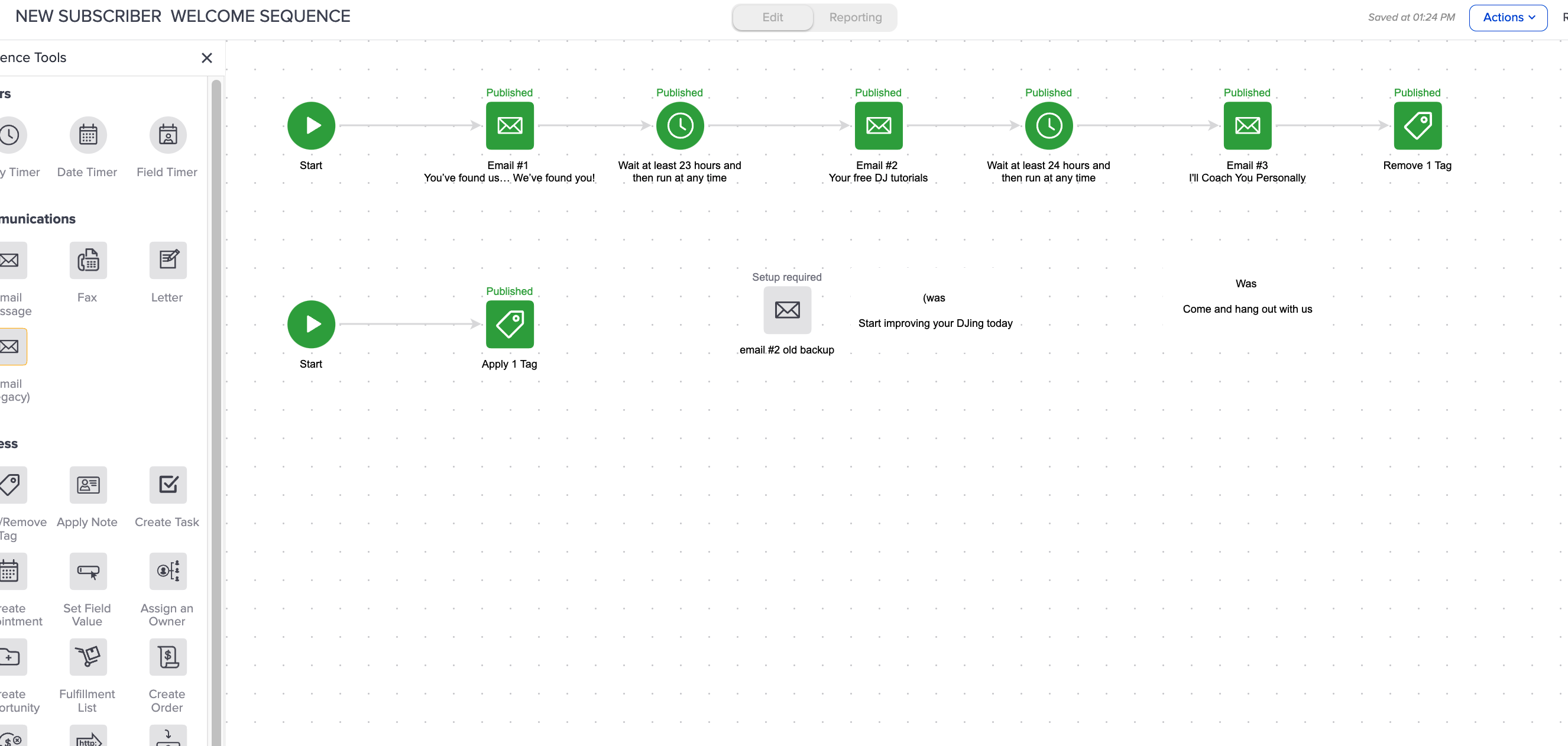
HourScore Lite-style welcome sequence in Keap: Start → Email #1 → Wait at least 23 hours → Email #2 → Wait at least 24 hours → Email #3 → Remove Tag.
Keap: Use Timer nodes between each email — "Wait at least 23 hours and then run at any time". Click to enlarge
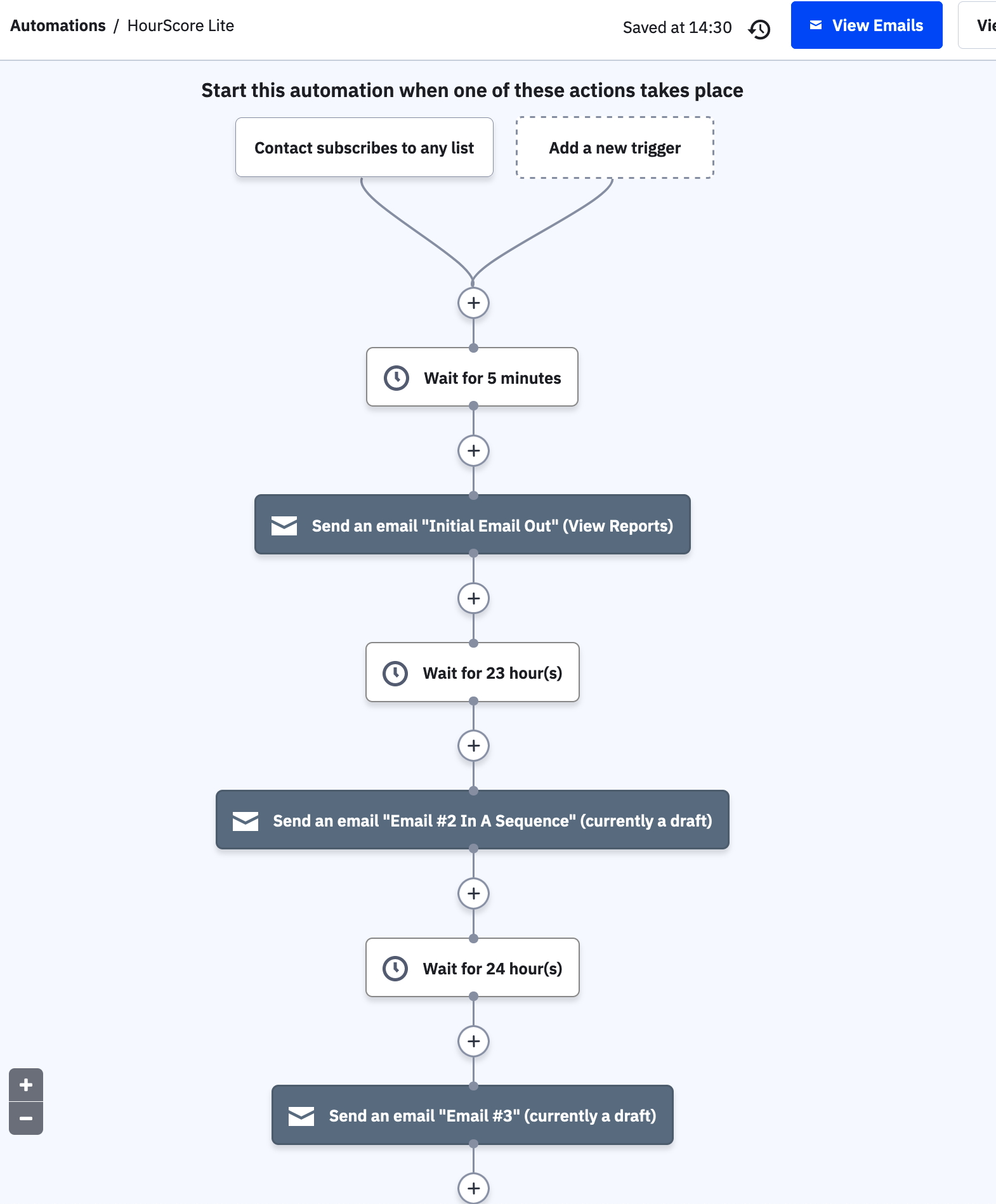
HourScore Lite automation in ActiveCampaign: Contact subscribes to any list → Wait for 5 minutes → Initial Email Out → Wait 23 hours → Email #2 → Wait 24 hours → Email #3.
ActiveCampaign: Trigger on list subscribe, then Wait actions of 5 min, 23h, and 24h between sends. Click to enlarge
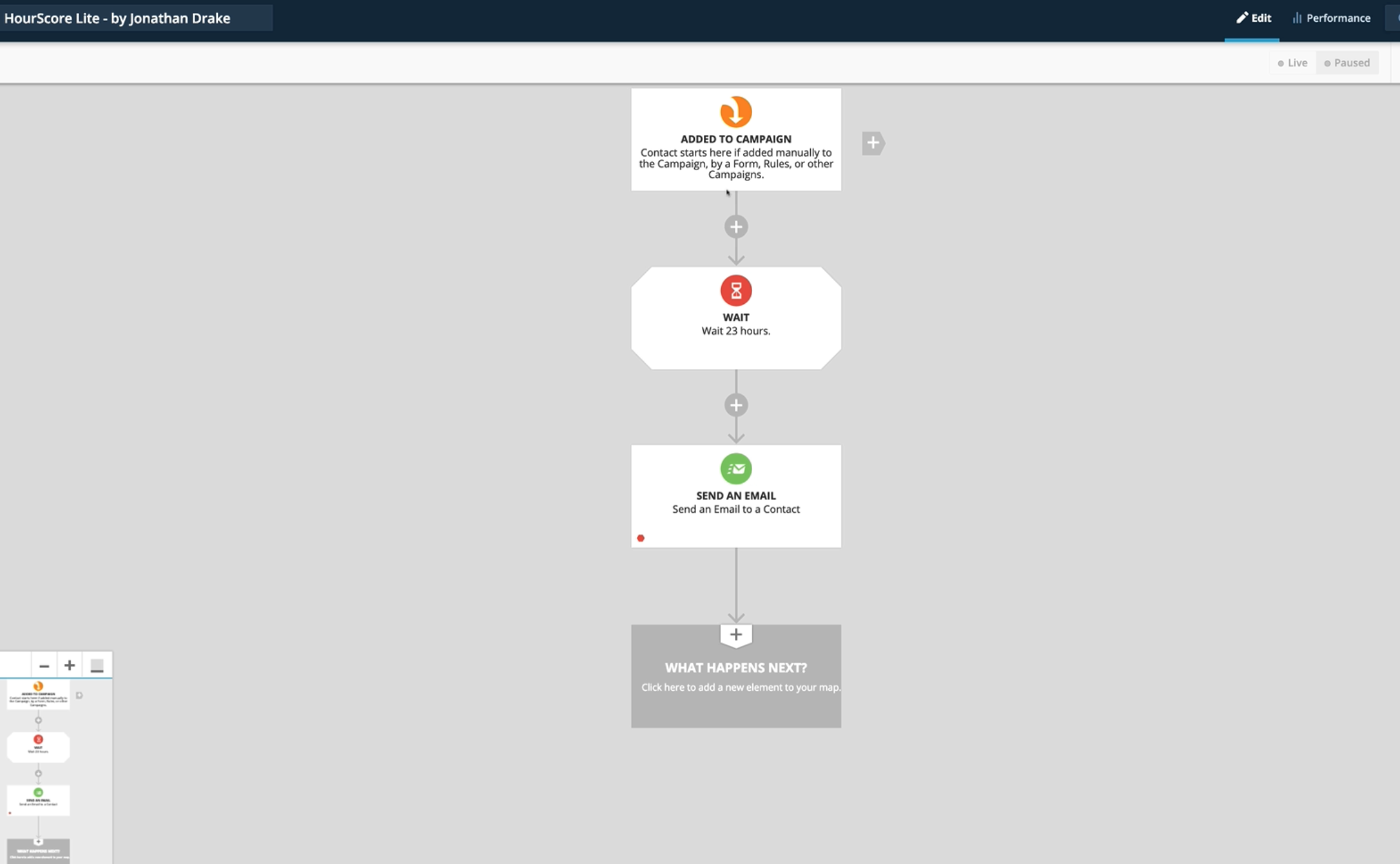
HourScore Lite workflow in Drip: trigger on subscribe, send Email #1, delay 23 hours, send Email #2, delay 24 hours, send Email #3.
Drip: Build the same pattern as a workflow — Email #1 on trigger, then Delay 23 hours, Email #2, Delay 24 hours, Email #3. Click to enlarge
What HourScore Actually Is

Every email guru will tell you to send at 9am EST. It's a one-size-fits-all answer to a question that deserves a real answer: when do people actually click?

The insight came over 10 years ago during a training by Jermaine Griggs. The question Jonathan asked himself was deceptively simple: when do I click an email? The answer: when it's at the top of my inbox when I open it not when someone decided to send it. The contact controls when they open their inbox. So what if you sent based on that?

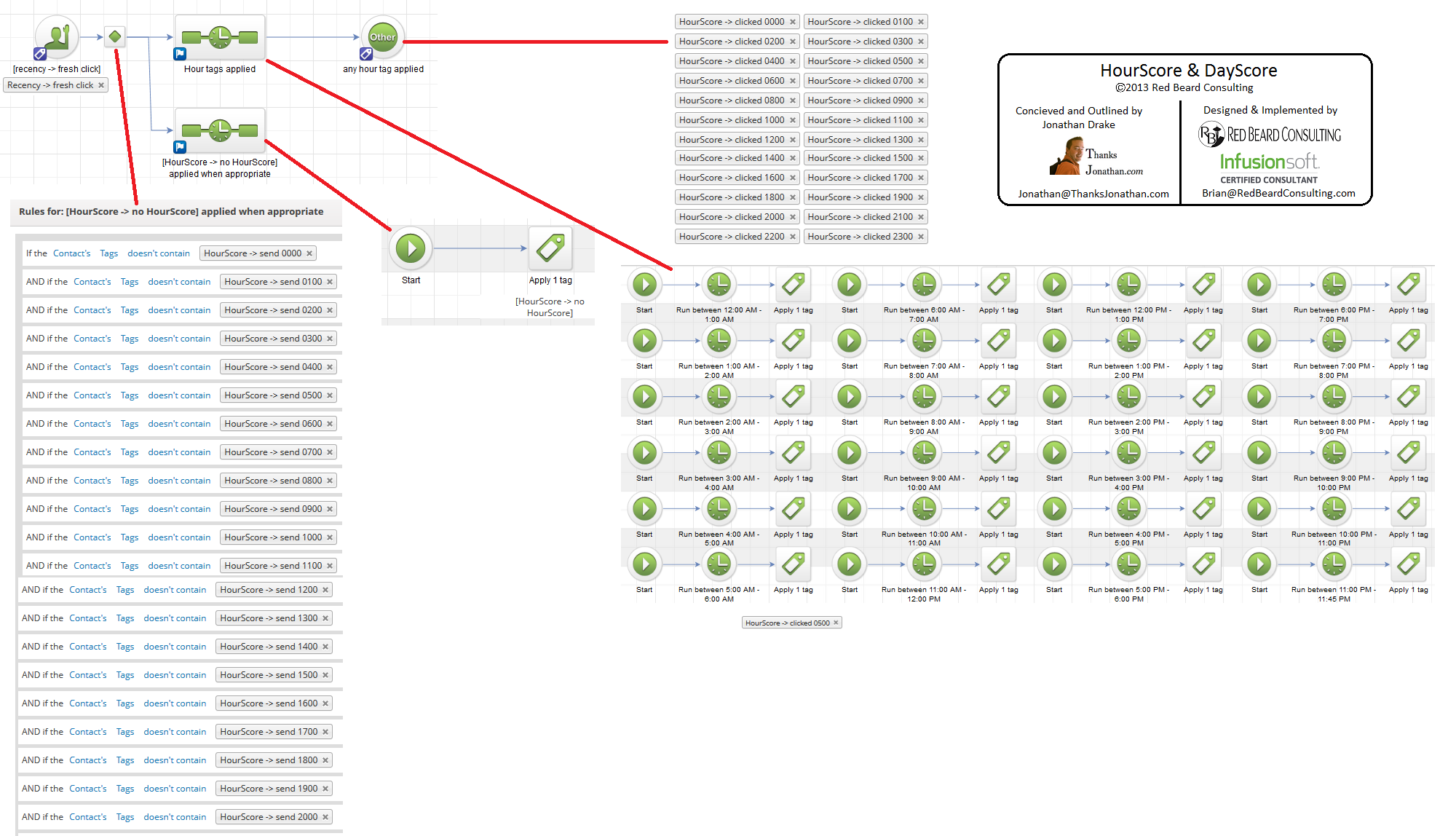
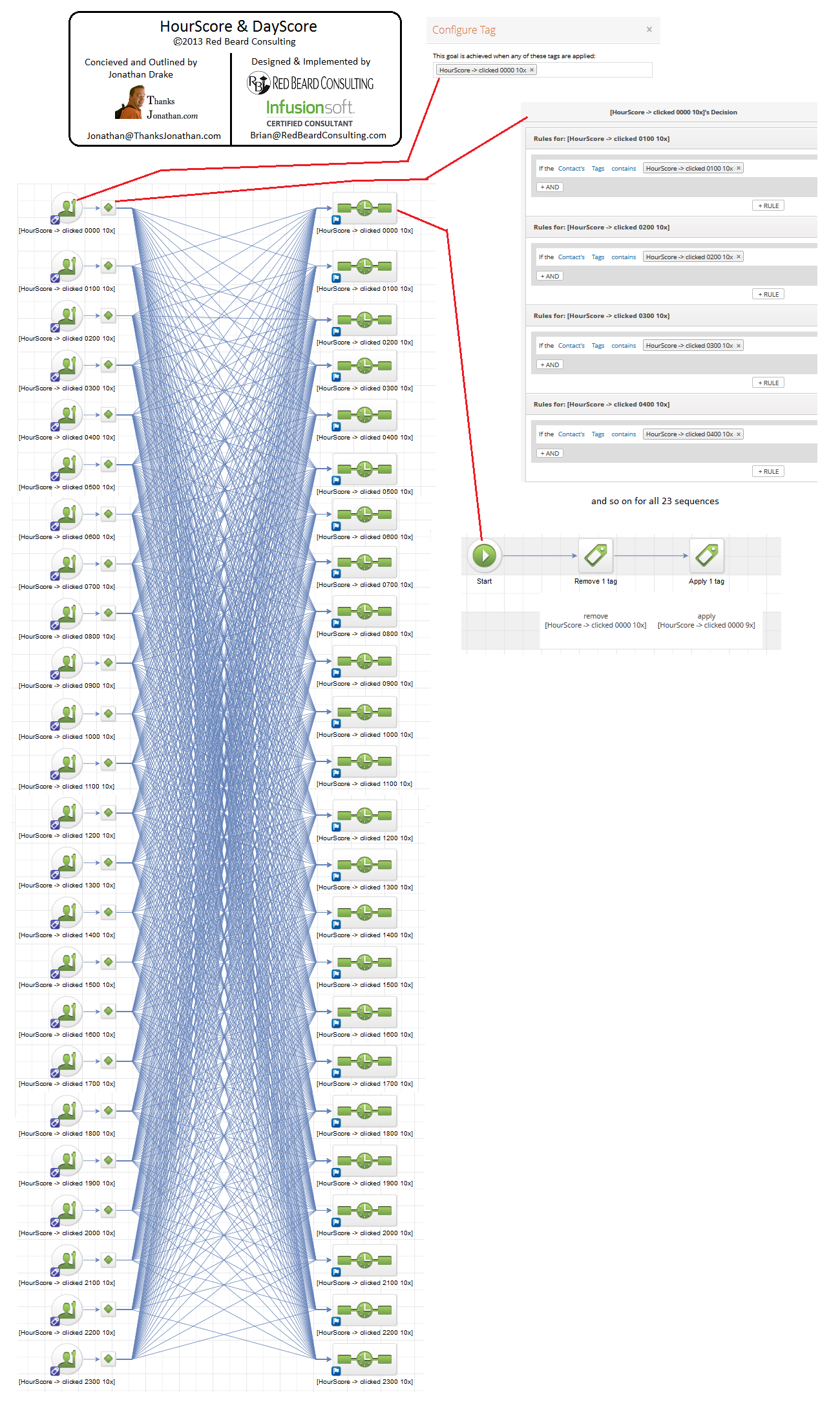
The first version took 100+ hours to build and literally broke Infusionsoft. The simplified version takes 15 minutes and gets 95% of the same results.
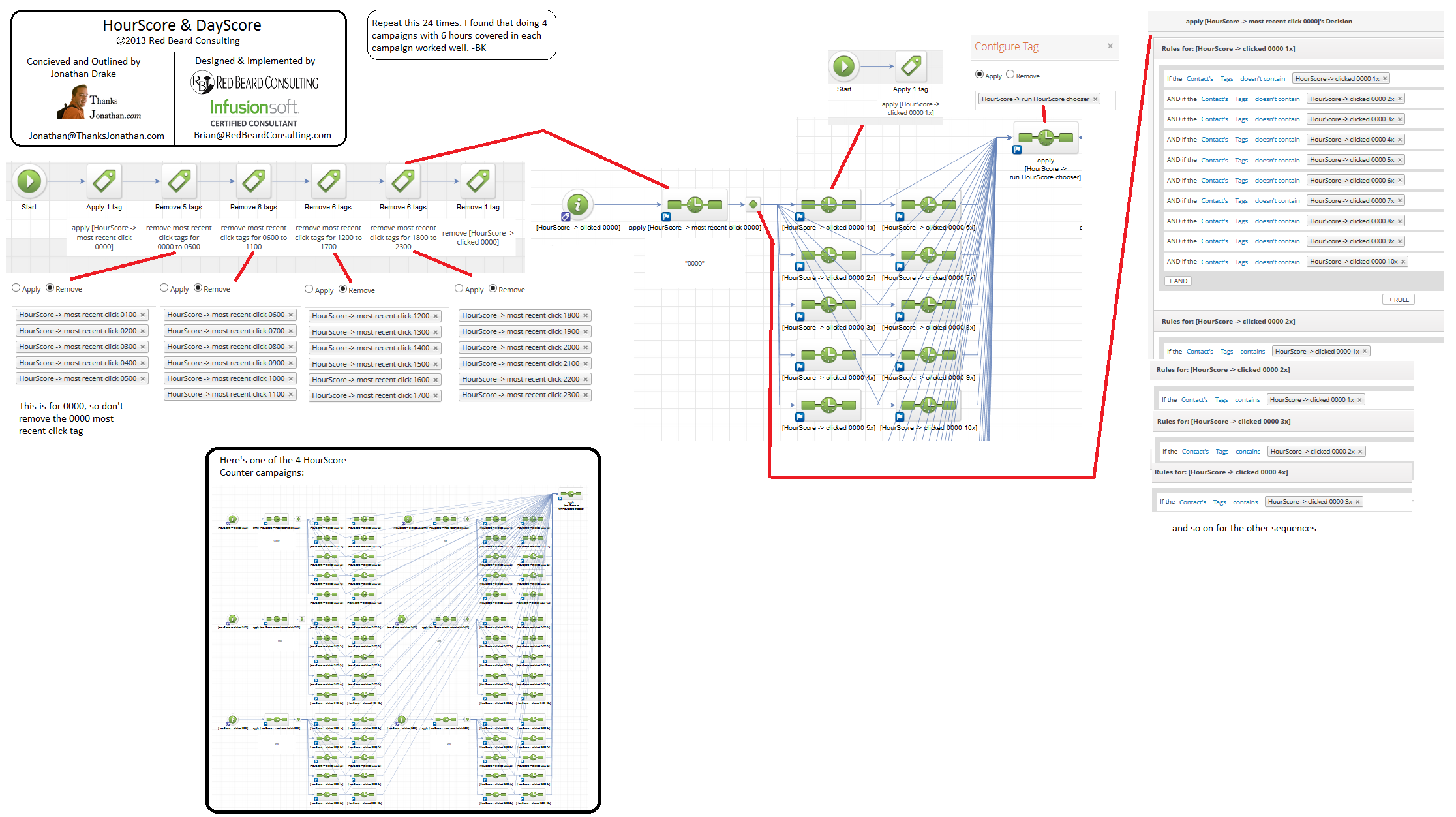
The Original — HourScore 1.0
Three Custom-Built Apps
Build time: 100+ hours
HourScore 1.0 Counter — the app that tracked which hour each contact was opening emails.
Counter
HourScore 1.0 Tagger — the app that applied an hour-of-day tag to each contact.
Tagger
HourScore 1.0 Decayer — the app that decayed tag weights over time so scores stayed fresh.
Decayer

Counter watched every open. Tagger applied an hour-of-day tag to each contact. Decayer aged the tags so the score stayed fresh. It worked — and broke Infusionsoft doing it.

The Lite Version — Today
A Three-Email Sequence
Build time: ~15 minutes
  • Email #1 sends immediately on subscribe
  • Email #2 sends 23 hours later
  • Email #3 (and beyond) sends 24 hours later
  • Works in every modern email platform — see the five examples above

No custom code. No app to maintain. Built natively in the platform you already use, in the time it takes to drink a coffee.

The Results — Across 10,000+ Clicks
Aggregated data from production sends
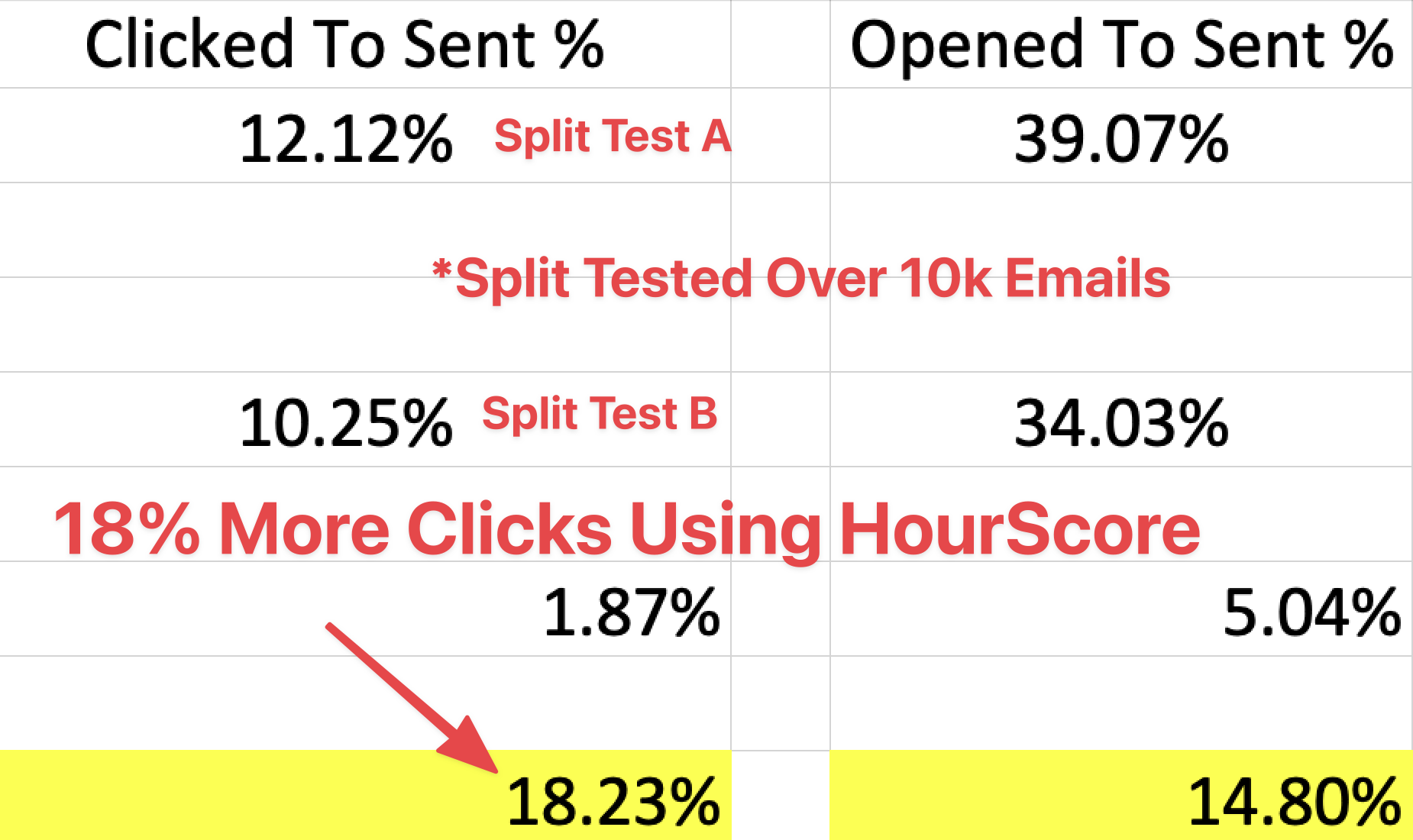
HourScore results graphic showing the click lift across more than 10,000 clicks of production email sends.

Same list. Same copy. Same offer. The only thing that changed was the send time — matched to each individual contact's behavior instead of a one-size-fits-all 9am EST send.

That simplified system is HourScore Lite and it's the first thing Jonathan implements with every new client. It's been proven across multiple verticals and consistently produces an 18% lift in clicks. Not from better copy. Not from a new offer. From sending at the right time for each individual contact.

The video walks through how it works and why it works. It runs in any email platform that supports a delay between sends — meaning every modern platform. ActiveCampaign, Klaviyo, Keap, Kit, ConvertKit, Drip, Ontraport, Mailchimp, HubSpot, Marketo, Customer.io, you name it.